Interactive Tutorial
Add Transactions
Log new transactions, capture details, and keep your summary reports accurate and up to date
-
Learn by Doing
-
LMS Ready
-
Earn Certificates


Try this Course with a Free Trial

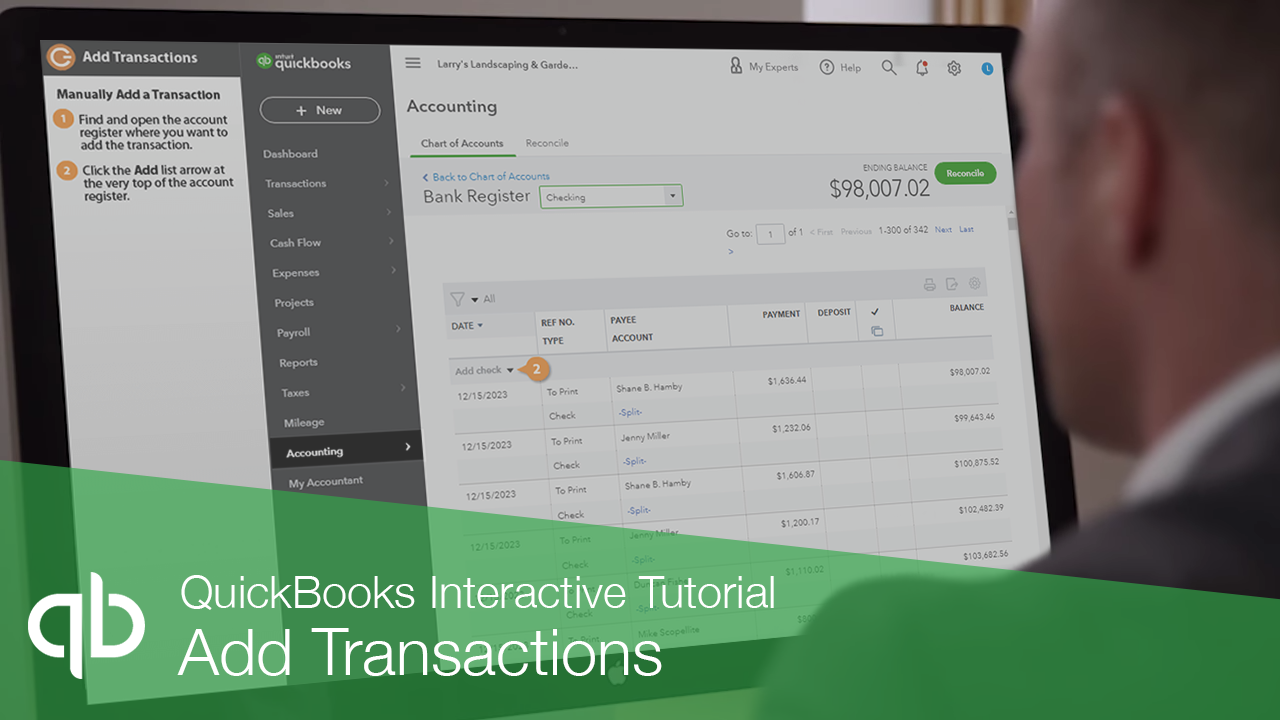
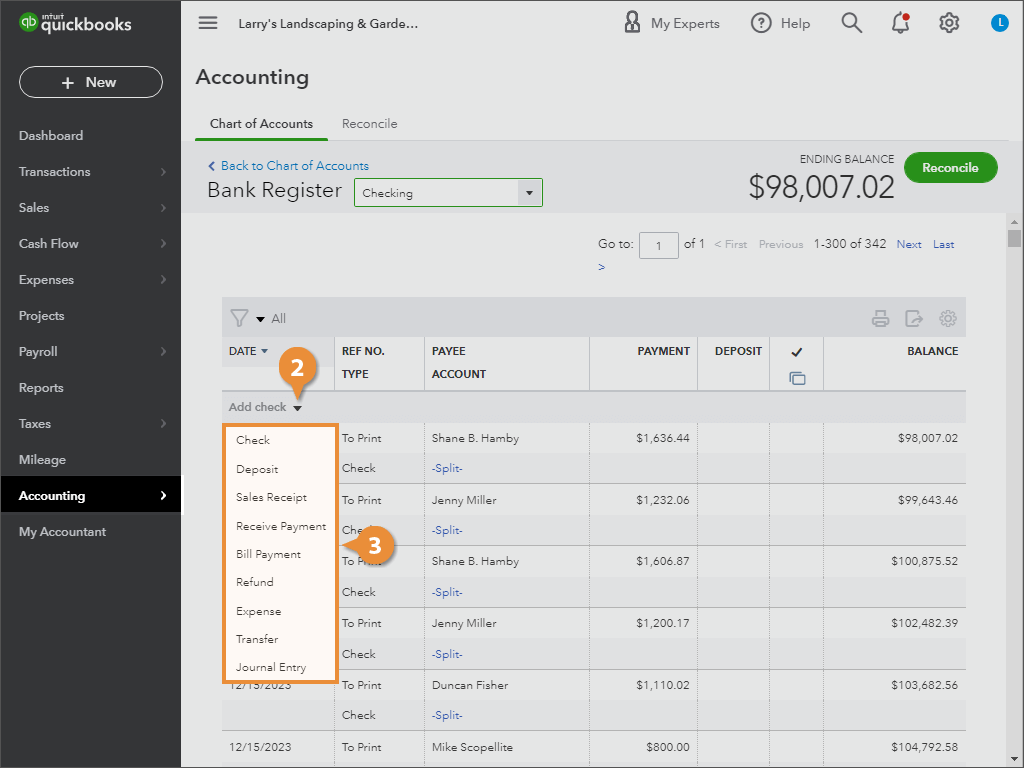
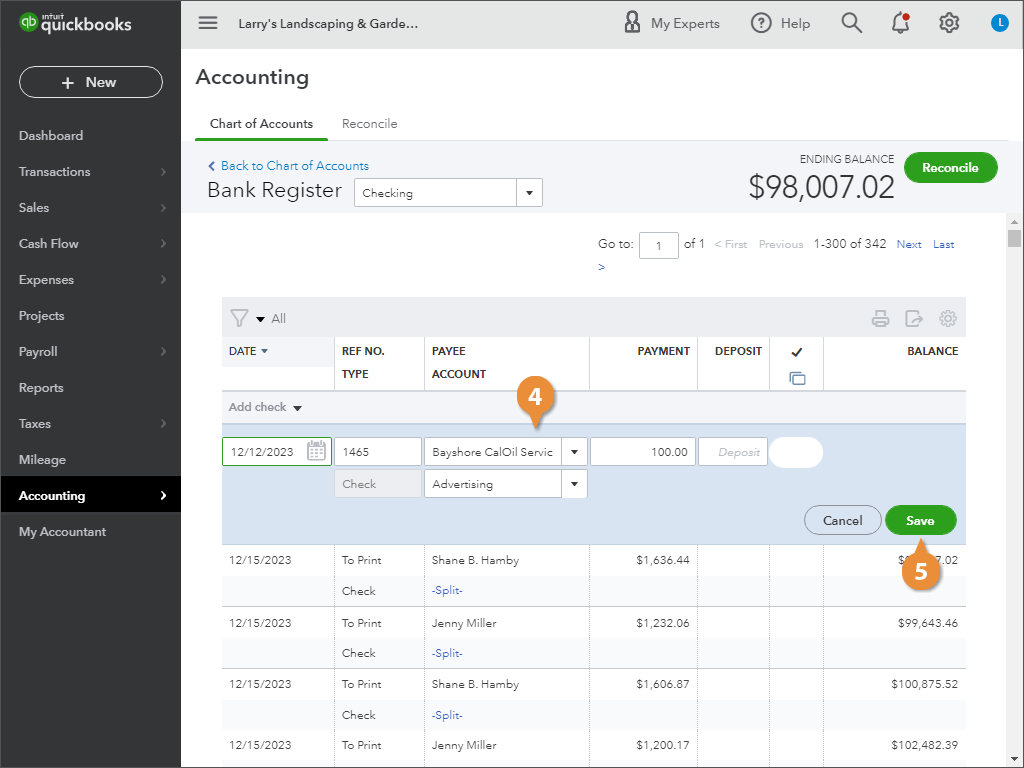
In QuickBooks, there are many ways to enter transactions, such as using the New button to create expenses, checks, and other transactions or by downloading transactions from online banking.
In most cases, these are the preferred methods, as they give you the best features and flexibility.