Interactive Tutorial
Styles
Use OneNote styles to apply consistent formatting and improve readability across your notes
-
Learn by Doing
-
LMS Ready
-
Earn Certificates


Try this Course with a Free Trial


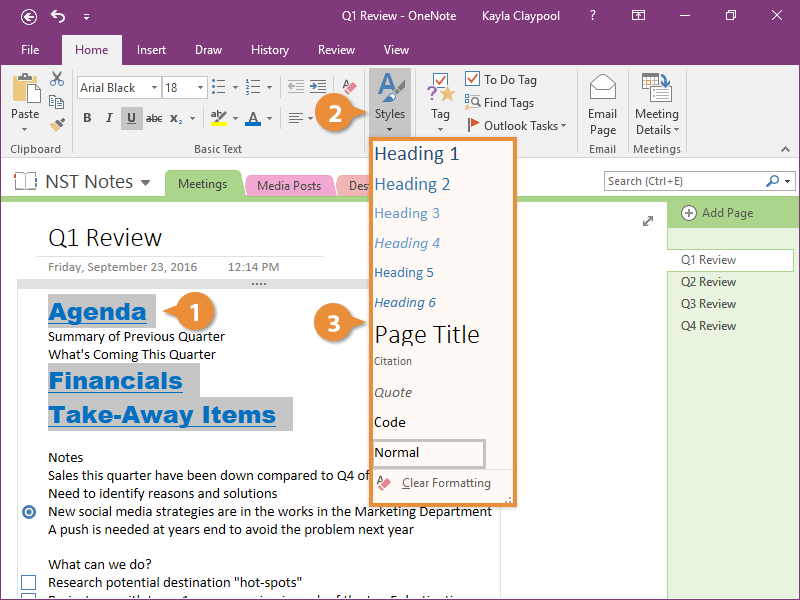
A style is a saved set of text formatting that can be used over and over. Styles are great for keeping formatting consistent.
Apply a Style
Update the Default Font
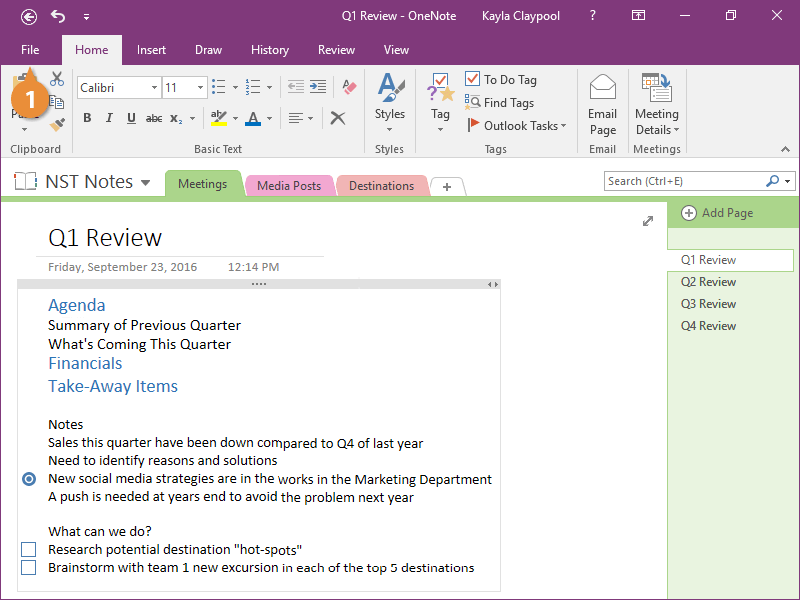
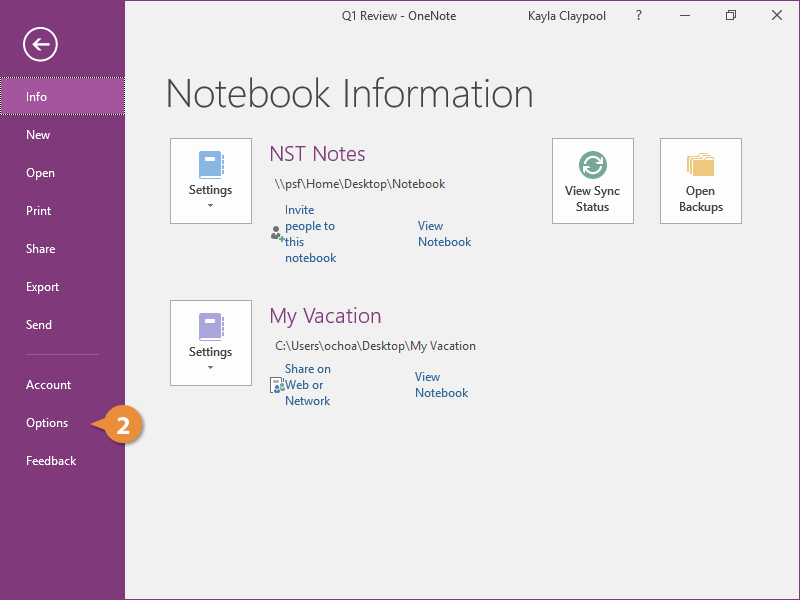
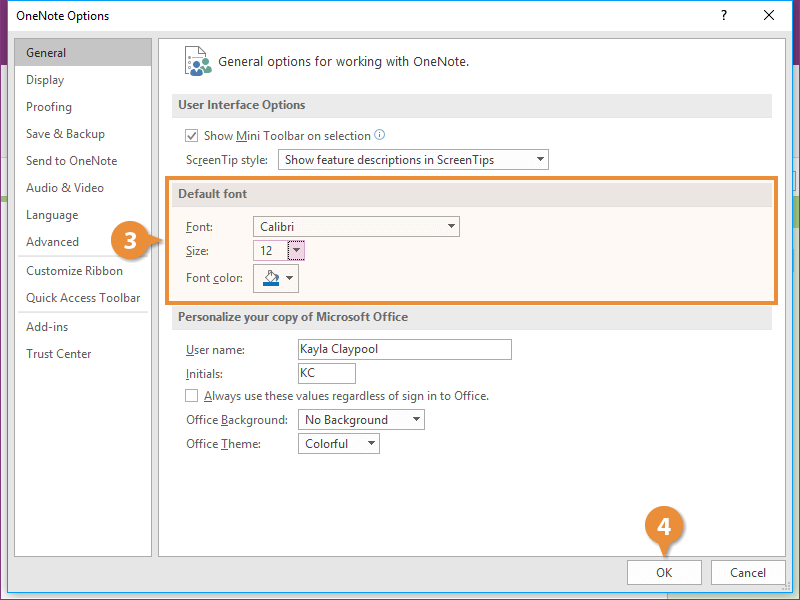
The default font in OneNote is Calibri 11 point. You can change the default if you want to change the font and/or size of all future notes.